


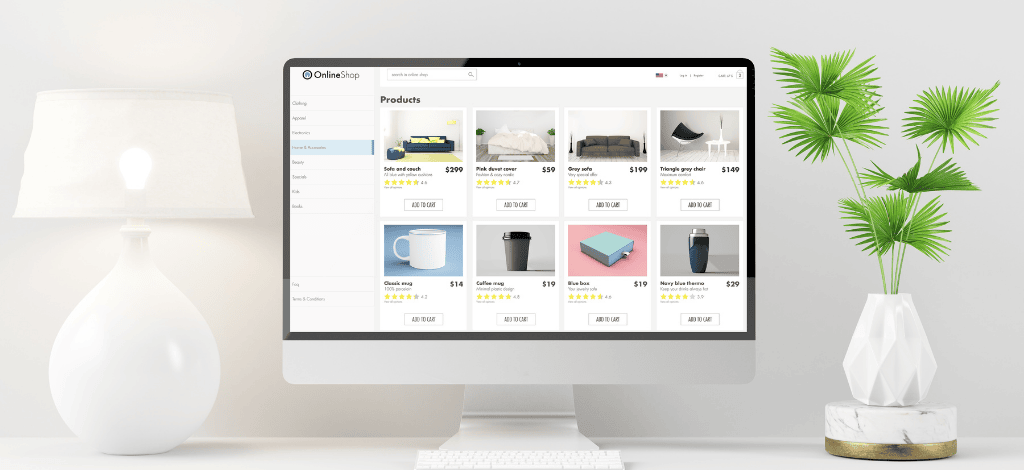
In a move that could change how websites are built forever, WordPress.com has unveiled a free AI-powered website builder. The new tool allows users to create entire websites in just a few minutes using a conversational AI chatbot. No coding required, no designing from scratch—just chat, build, and launch.
The Rise of AI in Website Building
AI website builders have been gaining traction for a while now, with platforms like Wix, Squarespace, and GoDaddy already implementing similar features. These tools are especially attractive to users who want a fast, simple way to create a professional-looking site without needing a web development background. AI simplifies the process and shortens the time from idea to launch.
WordPress.com Joins the AI Revolution
WordPress.com is now jumping into the mix, offering an AI-powered site builder that aims to democratize website creation. This new tool is designed to be intuitive, efficient, and accessible—especially for entrepreneurs, freelancers, bloggers, and creatives who want a professional online presence without investing in expensive design services or learning complex software.
How the WordPress AI Builder Works
The entire process starts with a simple prompt. Users are asked to describe their website idea, including details like the site name, the purpose of the website, and a short description. Based on this input, the AI builder creates a fully functional website layout, including headings, content, images, and even calls to action—all crafted automatically.
Simple Prompts, Smart Results
You could type in something like, “Build a website for my vintage clothing store in Brooklyn,” and the AI gets to work, generating a sleek homepage, sections like “Shop Now,” “Our Story,” and “Contact Us,” plus placeholder text and images that match your theme. It’s like having a web designer in your pocket, minus the hourly rates.
Designed for New Websites
It’s worth noting that this feature only works for new WordPress.com sites. If you already have a website on WordPress, you won’t be able to retroactively apply the AI builder to it—at least not yet. The focus right now is on helping users go from zero to a fully functioning website in record time.
AI-Powered, But Human-Centric
Even though the AI does a lot of the heavy lifting, users still maintain creative control. You can tweak text, change colors, upload your own images, and reorganize the layout however you see fit. The builder even allows ongoing conversations with the chatbot for further adjustments, making it a blend of automation and personalization.
Who Can Benefit from This Tool?
This tool is ideal for small business owners looking to get online quickly, bloggers launching a passion project, freelancers showcasing their portfolios, and even hobbyists who just want a corner of the internet to call their own. It’s not meant for highly complex websites, but for most basic and intermediate needs, it’s a powerful option.
Limitations of the AI Builder
As impressive as the tool is, it does have its limits. It currently doesn’t support advanced features like e-commerce functionality or deep third-party integrations. So if you’re planning to launch an online store or need custom APIs, you’ll still need a developer or a more sophisticated setup. But for straightforward sites? It’s more than enough.
Comparison with Competitors like Wix and Squarespace
Wix and Squarespace have long offered AI-powered builders that help users spin up websites quickly. However, WordPress brings its vast library of plugins, themes, and a massive user base into the equation, potentially making its AI builder a more scalable solution in the long run. Plus, it benefits from WordPress’s reputation for flexibility and SEO-friendliness.
Customizing Your Site After AI Builds It
Once your AI-generated site is ready, you’re not stuck with what the chatbot spits out. You can dive in and edit anything—from the typography and layout to the actual written content and images. And because it’s built on WordPress.com, you can always layer on more features using themes and plugins once you’re ready to go beyond the basics.
Free to Try, Hosting to Launch
WordPress.com gives users 30 free prompts to try out the AI builder. That means you can test, tweak, and preview your dream website without paying a cent. When you’re ready to go live, you’ll need to pick a hosting plan. Plans start as low as $4/month when paid annually, but for AI-built sites, you’ll likely want the Premium or Business plan.
Pricing Plans and What You Get
The Premium plan, priced at $96 per year, includes a free domain for one year, extra storage, premium themes, and customer support. The Business plan bumps it up to $300 per year and includes more advanced features. Both plans offer unlimited prompts for continued use of the AI builder, so you can revise and update your site as often as you like.
Tech Behind the Magic: How the AI Works
WordPress.com says the AI is powered by a combination of self-hosted open-source models and externally hosted AI systems. This hybrid approach allows them to retain some control over customization while leveraging the power of large language models to generate realistic and relevant content, layouts, and even image ideas on the fly.
Looking Ahead: What’s Next for WordPress AI
Right now, the AI builder is limited in scope, but WordPress.com is already looking to expand its capabilities. E-commerce features, deeper customization, better SEO tools, and advanced integrations are likely to come as the AI improves and learns from user behavior. It’s clear this is just the beginning.
Final Thoughts
WordPress.com’s new AI website builder marks a major step forward in user-friendly web development. With just a few prompts, you can create a beautiful, functional website without touching a single line of code. While it’s not a silver bullet for all use cases—especially those involving e-commerce or complex needs—it’s an excellent tool for fast, effective website creation. Whether you’re starting a blog, launching a business, or showcasing your work, this new AI-powered feature is worth exploring.
FAQs
1. Is the WordPress AI builder really free to use?
Yes, you can use it for free with up to 30 prompts before needing a hosting plan.
2. Can I use the AI builder for an existing WordPress website?
Not at this time. The tool only works for new WordPress.com websites.
3. Does the AI builder create content like text and images?
Yes, it generates both written content and visuals based on your input.
4. What happens after I reach the 30-prompt limit?
You’ll need to upgrade to a Premium or Business hosting plan to continue using the AI builder.
5. Will it support online stores or complex features in the future?
WordPress.com has hinted at upcoming features, including support for e-commerce and deeper integrations.
Read more blogs: Alitech Blog

Zeeshan Ali Shah is a professional blog writer at AliTech Solutions, and Realancer renowned for crafting engaging and informative content. He holds a degree from the University of Sindh, where he honed his expertise in technology. With a keen eye for detail and a passion for staying up-to-date on the latest tech trends, Zeeshan’s writing provides valuable insights to his readers. His expertise in the tech industry makes him a sought-after writer, and his work at AliTech Solutions has earned him a reputation as a trusted and knowledgeable voice in the field.



Leave a Reply